July 12, 2026 | tags: tech, cmake, qt, zed, clangd, -- (permalink)
[Edited and Updated at 12/07/2026]
I got back at toying with QT6 because I want to get back in writing linux desktop software
iof only web or cloud things. I won't go into the issues with cloud and web programming nowadays
and the GenIA/LLMs slop, but lets just say that I am a old fashioned hipster with everything in my
life.
Zed editor for instance has this support for agents, so at least I have set up a local model just to play with it a bit. But I don't use it much. So, for all purposes, let's say I prefer do more handcraft software development. Zed is pretty much like VSCode with a leaner interface and more custom way of configuring its behavior, which for me feels like more the kind of stuff that I like. Also its environment feels better than VSCode. So I've trying to use it for all my writing uses, including writing this blog post.
And because of this obsession in understanding these minor things, I get really pissed of with QtCreator. I obviously like the amount of heavy lifting it does for GUI work, and maybe because I always been a backend programmer, I can't handle the amount of stuff I need to do to start understanding of what does behind the curtains. So I took some time, read a bit of Qt documentation, AND Cmake documentation, and setup a small tutorial I've been doing in QtCreator with Cmake directly. It was easier than I expected.
The project structure is pretty much like
+- project-dir
    +- build
    +- src
        +- CMakeLists.txt   # properly setup, obviously
        +- mainwindow.cpp
        +- mainwindow.hpp
        +- mainwindow.ui
        +- otherSourcesEtc/
            +- ...
The cmake build option that made it easy was the -G one, where you set which buildsystem you want to
set. Since I'm on linux the default is the "Unix Makefiles" option, so it was as straightforward:
$ cmake -G "Unix Makefiles" -B build -S src
than a Makefile was generated into the build dir with all necessary commands for using make commands and building
with it:
$ cd build/
$ make all
$ ./ProjectName
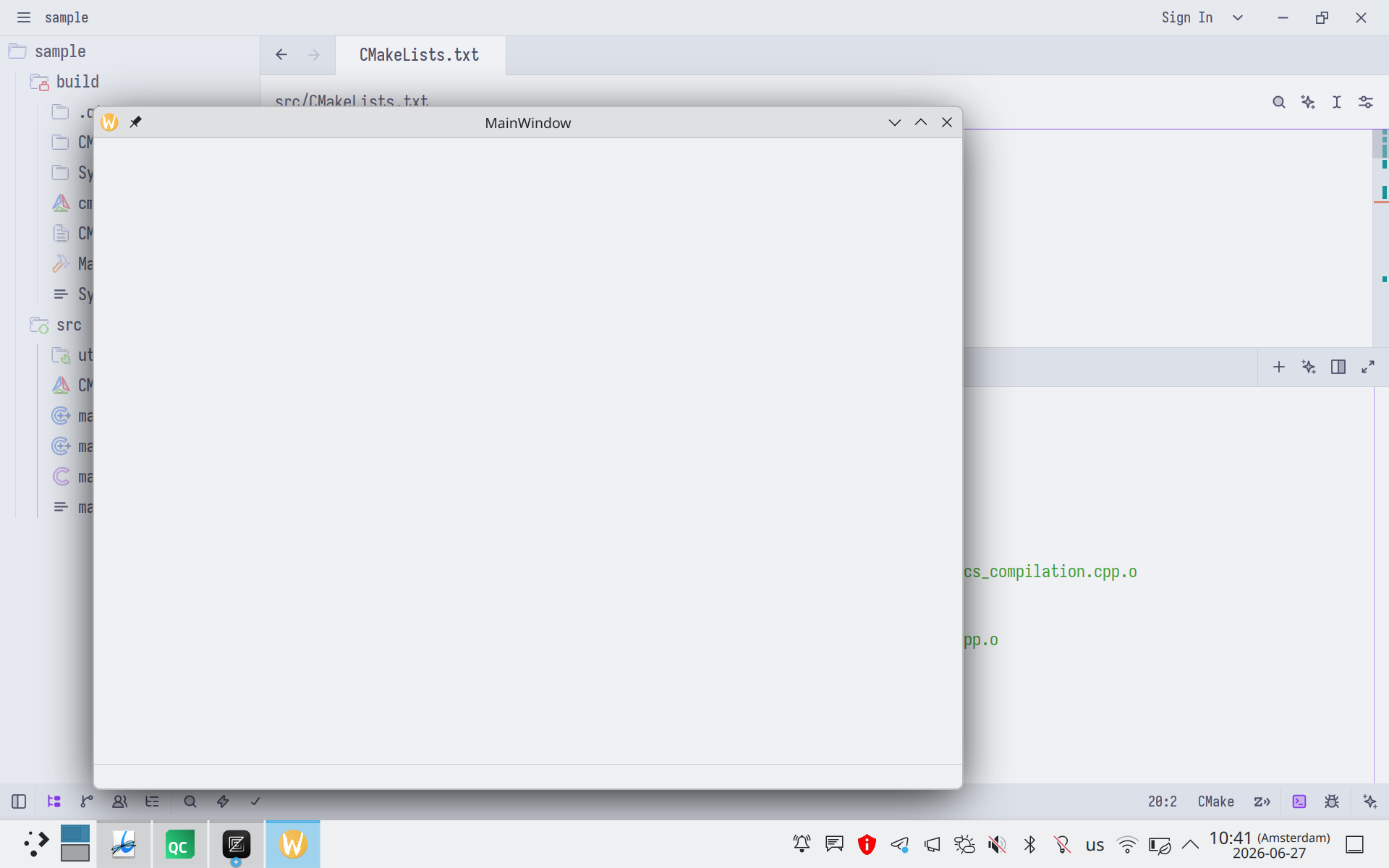
and I have my silly tutorial up and running using zed.
Setting clangd for the Cmake project
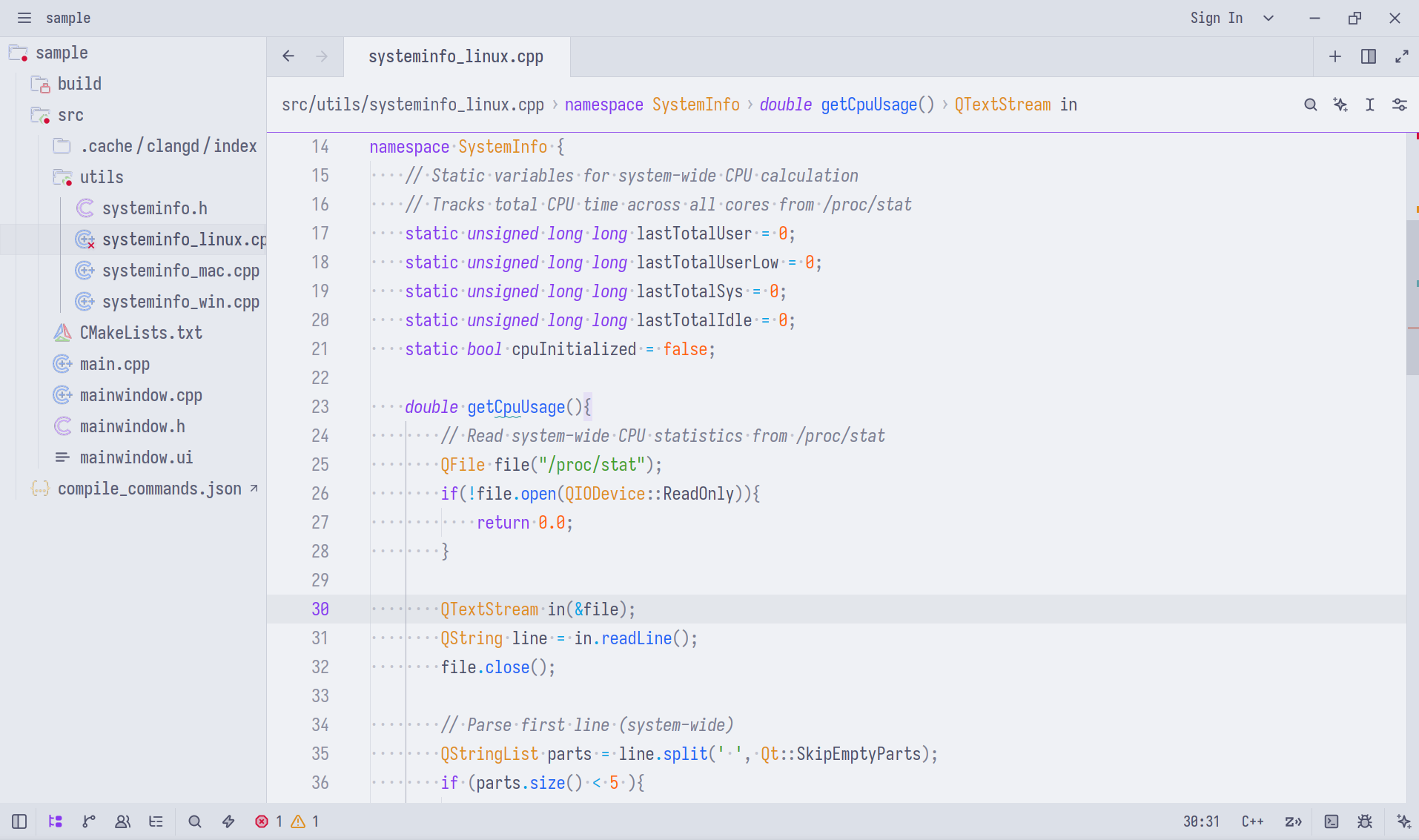
There is an issue, however, while I'm coding, which is why my zed buffers don't recognize Qt and other system types
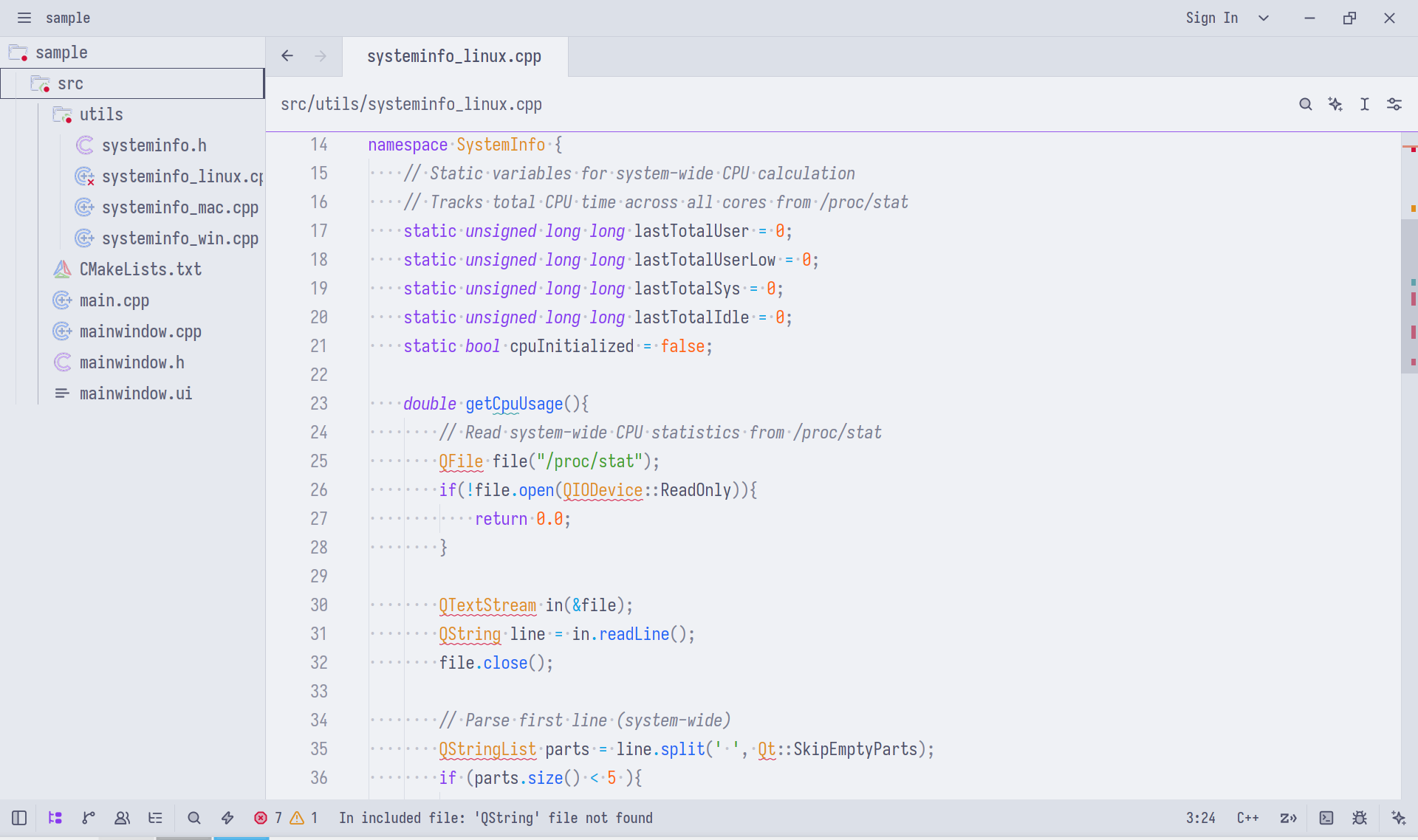
Under the hood zed uses clangd as the language server and resolves live editing and issues
regarding the buffer code writing. There is the CompileFlags option in it that configs how
a file is parsed by it. According to the docs
clangd emulates how clang would interpret a file
...
it behaves roughly as
clang $FILENAME, but real projects usually require setting the include path (with the-Iflag), defining preprocessor symbols, configuring warnings etc. Often, a compilation database specifies these compile commands.clangdsearches forcompile_commands.jsonin parents of the source file.
So we need to create a compile_commands.json and add to our project so we can actually
have some lib references while we add it. And one nice thing from cmake is that it can
create it for us.
There is the CMAKE_EXPORT_COMPILE_COMMANDS flag and
we can set it in our CMakeFiles.txt
set(CMAKE_EXPORT_COMPILE_COMMANDS ON)
and after running cmake, we'll have it generated in the specified build dir. Then, we can tell clangd
how to look for them. There are a couple of ways to tell clangd to use it, like using the .clangd file in the
root dir. I, however, just prefer to create a symlink at the project dir, so I don't need to manually create it everytime.
I can just add this on the root CMakeLists.txt file.
execute_process(COMMAND ${CMAKE_COMMAND} -E create_symlink ${CMAKE_BINARY_DIR}/compile_commands.json ${CMAKE_SOURCE_DIR}/../compile_commands.json)
And now zed will not have issues with Qt or other found system libraries. :)